









Claude Sonnet 5.5 vs Opus 5.5: Which Should You Actually Use in 2026? (7 Practical Questions Answered)
For roughly 80% of everyday coding, technical writing, and document synthesis, Claude Sonnet 5.5 is the better default: it responds noticeably faster, burns a fraction of your quota, and matches flagship accuracy on well-scoped tasks. You should switch to Claude Opus 5.5 only when the task actually demands multi-step architectural reasoning, subtle bug hunting across unfamiliar codebases, or high-stakes legal/financial synthesis where a single missed edge case costs hours of rework.
Most users on a $20/month Claude Pro plan run into the same frustration: leaving Opus 5.5 toggled on for every prompt burns through their rolling five-hour usage cap before lunch. Below are seven practical questions—answered directly—so you can pick the right Claude 5.5 tier on the first try and avoid paying twice for capacity you do not need.
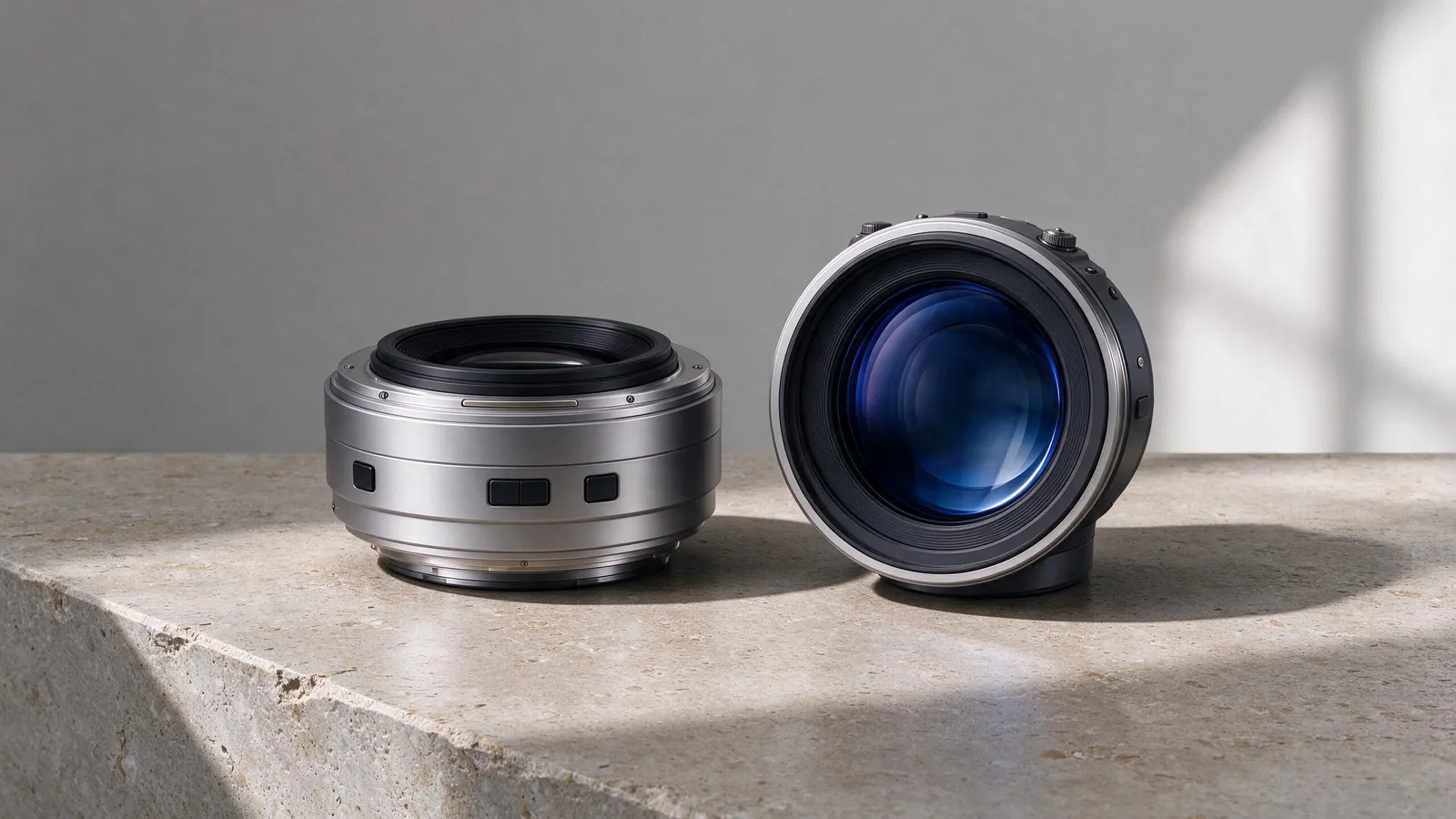 Minimalist editorial studio illustration of two precision architectural lenses—one sleek silver lens for fast daily focus and one deep sapphire lens for intricate deep-field analysis—resting on a clean warm sandstone desk, soft natural lighting, no text
1. What Is the Real Difference Between Claude Sonnet 5.5 and Opus 5.5?
Both models belong to the Claude 5.5 family and share the same instruction-following style, clean formatting, and long-context grounding. The difference is compute depth per answer:
| Dimension | Claude Sonnet 5.5 | Claude Opus 5.5 | Practical Impact |
|---|---|---|---|
| Best Role | Daily workhorse (coding, editing, drafting, Q&A) | Heavy reasoning (architecture, audits, complex debugging) | Default to Sonnet 5.5; escalate deliberately |
| Response Latency | Fast, fluid for iterative back-and-forth | Slower time-to-first-token on deep reasoning prompts | Sonnet keeps you in flow during rapid coding loops |
| Quota / Cost Efficiency | High—supports long sessions without hitting caps quickly | Low—consumes usage allowance several times faster | Leaving Opus on for routine prompts drains caps fast |
| Edge-Case Reliability | Strong on clear specs and single-module tasks | Noticeably better on ambiguous, multi-constraint problems | Opus saves time when requirements conflict or span 5+ files |
| Where Haiku 5.5 Fits | Faster & cheaper than Sonnet for triage and extraction | Not a substitute for Opus reasoning | Use Haiku 5.5 for boilerplate, classification, and quick lookups |
If you want the full breakdown across all four active Anthropic tiers—including Haiku 5.5 and Fable 5.1—see our Claude AI Models List & Pricing Guide (Nov 2026).
2. Which One Is Better for Daily Software Development?
Use Claude Sonnet 5.5 for implementation and iteration; switch to Claude Opus 5.5 for design reviews and stubborn bugs.
In day-to-day engineering, most prompts are bounded: write a React component matching an existing design system, add unit tests for an API route, convert a SQL query, or explain a stack trace. Sonnet 5.5 handles these cleanly with lower latency, which means tighter feedback loops.
Opus 5.5 earns its higher cost in three specific developer scenarios:
- Cross-cutting refactors: When changing a schema, auth middleware, or state contract affects six services and you need the model to surface hidden coupling before writing code.
- Concurrency and race-condition debugging: When the bug only reproduces under load, retries, or distributed state transitions and shallow pattern-matching produces plausible-looking wrong fixes.
- Security and correctness audits: Reviewing payment flows, webhook idempotency, permission boundaries, or SSR fallback behavior where missing one branch causes a production outage.
If you are also deciding between Anthropic and OpenAI for engineering work, our side-by-side benchmark in GPT-6 vs Claude Opus 5.5 for Coding breaks down where GPT-6.2 Astra pulls ahead.
3. Why Does Claude Pro Hit Usage Limits So Fast When Using Opus 5.5?
Anthropic enforces a dynamic rolling usage window rather than a flat message counter. Every turn resends the conversation history, uploaded files, and tool outputs. Because Opus 5.5 carries a much higher per-token compute cost than Sonnet 5.5, two habits silently empty your quota:
- Long, unpruned threads: A 25-turn chat with three attached files forces Opus 5.5 to re-process tens of thousands of input tokens on every follow-up question—even if you only ask "make paragraph two shorter."
- Using Opus for formatting and polish: Asking Opus 5.5 to turn rough notes into a Slack update or fix Markdown tables spends flagship compute on a task Haiku 5.5 or Sonnet 5.5 handles identically.
Quick fix that immediately doubles effective capacity: Start a fresh thread whenever you change sub-tasks, paste only the relevant 100 lines instead of the whole repository, and drop back to Sonnet 5.5 for follow-up edits after Opus 5.5 produces the core plan.
4. When Is Claude Opus 5.5 Worth Paying Extra for in Writing & Research?
For blog drafts, email replies, meeting summaries, and structured outlines, Sonnet 5.5 is usually indistinguishable from Opus 5.5—and often easier to iterate with because it responds faster.
Opus 5.5 pulls ahead when the writing task is actually a reasoning task in disguise:
- Synthesizing contradictory sources: Reconciling three competing vendor proposals, legal clauses, or financial filings and flagging what is missing rather than just summarizing what is written.
- Executive memos and product specs: Drafting a two-page decision memo where tone, trade-offs, and second-order risks all have to hold together without generic filler.
- Strict rubric evaluation: Grading drafts, PRs, or research outputs against a 10-point policy checklist where subtle violations must be caught consistently.
5. Should You Build a Three-Tier Claude Workflow (Haiku 5.5 → Sonnet 5.5 → Opus 5.5)?
Yes—and it takes less than 10 seconds of discipline per task. A simple 70 / 20 / 10 split keeps both latency and spend under control:
- ~20% Claude Haiku 5.5: Regex generation, JSON reformatting, quick translations, summarizing short Slack threads, and triaging raw notes.
- ~70% Claude Sonnet 5.5: Everyday coding, test writing, documentation, structured analysis, and first-draft content.
- ~10% Claude Opus 5.5: Architecture decisions, root-cause analysis on hard bugs, contract/policy review, and final high-stakes red-teaming.
The biggest mistake teams make is treating model selection as a one-time account setting instead of a per-task switch.
6. When Should You Switch Outside Claude Entirely?
No single lab wins every prompt. Even if Claude 5.5 is your primary daily driver, there are three cases where switching models inside the same session beats retrying Claude three times:
- Second opinion on a tough bug or algorithm: Cross-checking Claude Opus 5.5's diagnosis against GPT-6.2 Astra catches blind spots quickly.
- Massive multimodal or video/audio context: Gemini 4 Carbon and Gemini 4 Neon are built for heavy multimodal inputs and sprawling document packs.
- High-volume low-cost drafting & fast iteration: DeepSeek V4.1 Flash and Kimi K3.1 Pro keep routine token burn minimal when you are iterating through dozens of variations.
Paying $20/month each for Claude Pro, ChatGPT Plus, and Google AI Pro adds up to $60/month—which rarely makes sense for an individual developer or solo founder.
7. How Can You Use Both Sonnet 5.5 and Opus 5.5 Without Paying $60/Month Across Subscriptions?
If you want to switch freely between Claude Haiku 5.5, Sonnet 5.5, Opus 5.5, and Fable 5.1—and pull in GPT-6.2 Astra / Sol, Gemini 4 Carbon / Neon, DeepSeek V4.1 Flash / V4 Pro, or Kimi K3.1 Pro whenever a second opinion helps—you can run them in one place on aiwith.chat.
- Start without a credit card: New accounts include 5,000 free starter credits to test Sonnet 5.5 vs Opus 5.5 side-by-side on your own prompts.
- One $9.9/month Standard plan: Covers multi-model switching across Anthropic, OpenAI, Google, DeepSeek, and Kimi under a single login (supporting Stripe cards as well as Alipay and WeChat Pay).
- Zero subscription sprawl: Keep routine turns on Sonnet 5.5 or DeepSeek V4.1 Flash so your monthly credit pool lasts, and spend Opus 5.5 only on the 10% of prompts that actually benefit from it.
Ready to test the difference on a real prompt from your own backlog? Open Claude on aiwith.chat or compare what is included on the Pricing page.