









Kimi K3.1 Pro vs Claude Opus 5.5 (Nov 2026): Agentic Coding, 1M Context & Real Cost
For high-volume agentic coding, repository-wide refactors, and massive 1M-token document analysis, Kimi K3.1 Pro is the highest-value alternative to Claude Opus 5.5 in November 2026: it closes most of the gap on multi-step coding and tool-use benchmarks while running at a fraction of Opus 5.5's cost (and one-third cheaper than Kimi K3). Claude Opus 5.5 still holds the edge on ambiguous architectural trade-offs, subtle concurrency or security audits, and nuanced executive writing where a single missed constraint is expensive.
Developers and researchers increasingly hit the same wall: Claude Opus 5.5 is exceptional, but leaving it on for every debugging loop and long-document query burns through a $20/month Claude Pro rolling limit in hours. Below is a clear, practical comparison of Kimi K3.1 Pro vs Claude Opus 5.5 across coding, long context, quota efficiency, and total monthly cost—so you know exactly when to use each model.
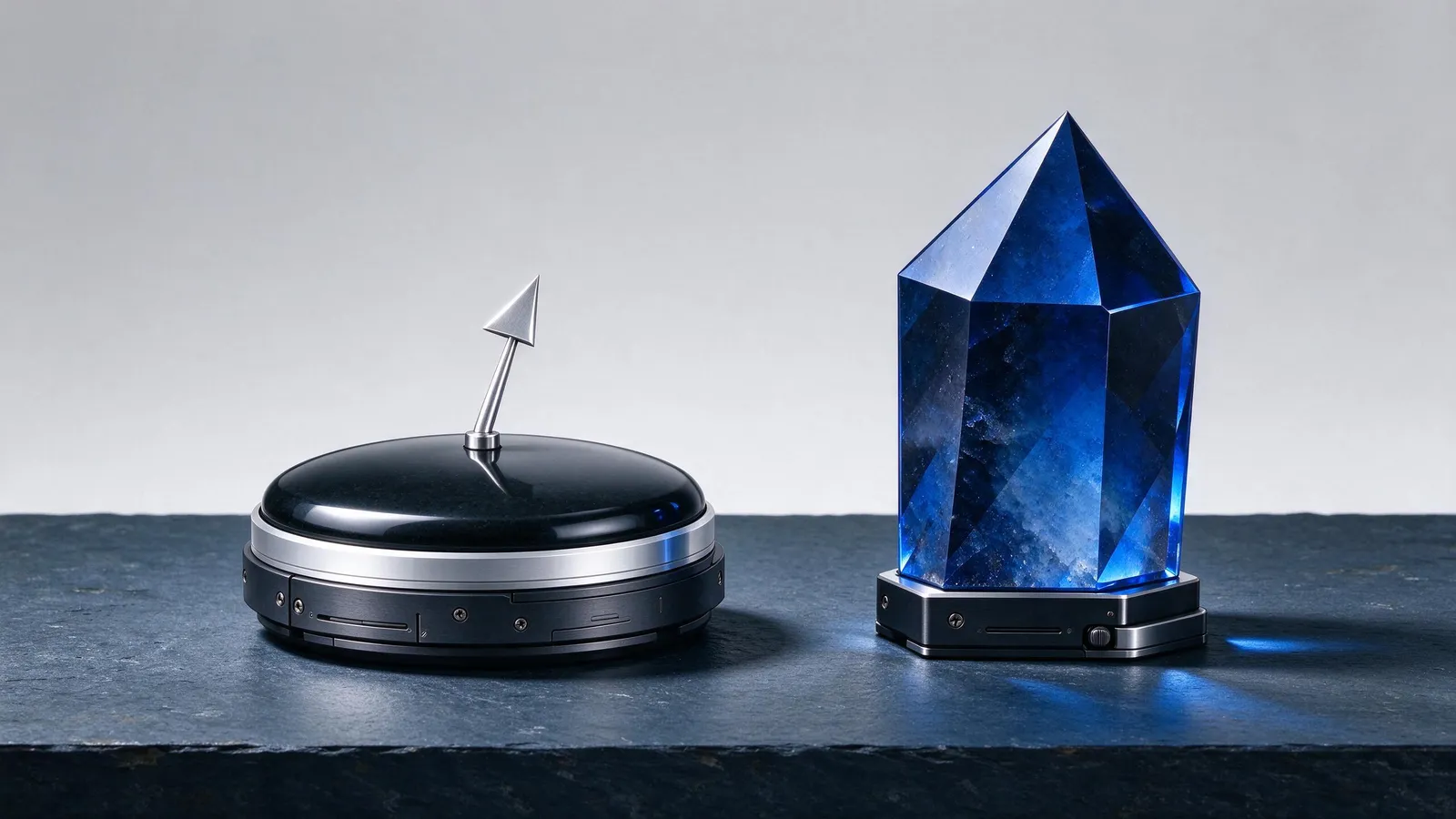 Minimalist editorial studio illustration of two precision engineering instruments on a slate surface: a sleek obsidian compass representing 1M-token deep navigation and a faceted cobalt crystal prism representing high-precision architectural reasoning, crisp directional studio lighting, no text
Side-by-Side Comparison: Kimi K3.1 Pro vs Claude Opus 5.5
Both models are built for serious reasoning rather than quick one-line chat, but they optimize for different bottlenecks:
| Dimension | Kimi K3.1 Pro (Moonshot AI) | Claude Opus 5.5 (Anthropic) | Practical Takeaway |
|---|---|---|---|
| Core Positioning | Further post-trained K3 flagship for agentic coding & deep research | Anthropic's peak reasoning flagship for complex architecture & audits | Kimi K3.1 Pro handles heavy daily throughput; Opus 5.5 handles peak difficulty |
| Agentic & Multi-File Coding | Close to Claude Opus 5.5 on tool use and multi-step coding loops | Top tier on ambiguous specs, tricky edge cases & security reviews | Use Kimi K3.1 Pro for iterative implementation; escalate to Opus 5.5 for hard bugs |
| Long-Context Work | Native 1M-token heritage (K3 family) with always-on reasoning | Strong long-context grounding, but expensive when resending long threads | Kimi K3.1 Pro shines on 100+ page specs, logs, and multi-file code dumps |
| Cost & Quota Efficiency | One-third cheaper than Kimi K3; stretches monthly budgets dramatically | High per-turn compute cost; drains rolling $20/mo caps quickly | Offloading 70% of heavy runs to Kimi K3.1 Pro prevents mid-day lockouts |
| Writing & Tone Control | Clear, structured technical output; slightly more utilitarian prose | More natural cadence for executive memos, strategy docs & legal nuance | Opus 5.5 (or Sonnet 5.5) wins polished human-facing writing |
| Sibling Models to Pair With | Kimi K2.7 Code (focused coding), Kimi K3 | Claude Sonnet 5.5 (fast daily), Haiku 5.5 (triage), Fable 5.1 | Mixing tiers beats running any single flagship all day |
Want the breakdown on official kimi.com free caps first? Read our Is Kimi K3.1 Pro Free? Official Limits & $9.9 Access Guide.
1. Coding & Agentic Workflows: Where Kimi K3.1 Pro Catches Up
In real engineering work, most coding time is spent in multi-turn loops: reading three files, proposing a patch, running tests, fixing a type error, and updating docs. Kimi K3.1 Pro was post-trained specifically to tighten agentic execution and coding reliability over Kimi K3—while cutting cost by a third.
- Where Kimi K3.1 Pro excels: Writing end-to-end feature slices from a clear spec, refactoring repetitive modules across a large repo, generating integration test suites, and diagnosing verbose build or server logs without truncating context.
- Where Claude Opus 5.5 still justifies its premium: Designing a clean system boundary from vague requirements, spotting subtle race conditions or auth/SSR failure modes, and reviewing high-risk payment or security code where "almost right" causes a production incident.
If you are deciding between Anthropic's own tiers before switching labs, see our Claude Sonnet 5.5 vs Opus 5.5: Which Should You Actually Use?.
2. Long Documents, Logs & Research Packs (1M Context Advantage)
Long-context prompts are where single-model subscriptions break down. Every follow-up question in a long thread re-processes the entire attached document or codebase excerpt:
- On Claude Opus 5.5, pasting a 150-page technical RFP, a full API spec, or a massive stack of production logs and asking ten follow-up questions burns through your rolling allowance rapidly.
- On Kimi K3.1 Pro, the K3 family's 1M-token context and lower cost profile let you keep full source files in context, cross-reference distant sections (e.g., comparing clause 4 against appendix G), and ask iterative follow-ups without trimming half the file first.
A reliable pattern for heavy research is Kimi K3.1 Pro for full-corpus extraction and cross-referencing → Claude Opus 5.5 for the final 2-page decision memo or adversarial review.
3. The Smart Hybrid Workflow (Stop Hitting Claude Pro Limits)
You do not need to pledge loyalty to one lab. A simple three-tier split gives you Opus-grade quality on critical decisions while keeping monthly spend under control:
- Routine drafts, quick fixes & summaries (~40%): Use Claude Sonnet 5.5 or DeepSeek V4.1 Flash for instant latency and minimal credit usage.
- Heavy coding loops & 1M-context analysis (~45%): Use Kimi K3.1 Pro when you need strong reasoning across large files without burning flagship Claude quota.
- Architecture reviews, stubborn bugs & final red-teaming (~15%): Switch to Claude Opus 5.5 (or cross-check with GPT-6.2 Astra) when the stakes are highest.
4. Real Monthly Cost: Paying Separately vs Switching in One Workspace
Running multiple labs directly quickly turns into subscription fatigue:
- Separate plans: Claude Pro ($20/mo) + ChatGPT Plus ($20/mo) + Google AI Pro ($19.99/mo) totals ~$60/month, and still leaves Kimi K3.1 Pro in a separate account with its own usage caps.
- One workspace on aiwith.chat: You can switch directly between Kimi K3.1 Pro and Claude Opus 5.5 / Sonnet 5.5—plus GPT-6.2 Astra / Sol, Gemini 4 Carbon / Neon, and DeepSeek V4.1 Flash / V4 Pro—under one login.
- 5,000 free starter credits: Test Kimi K3.1 Pro and Claude Opus 5.5 on the exact same coding prompt or long PDF before paying anything.
- Standard plan from $9.9/month: Replace multiple $20 subscriptions with a single credit pool (Stripe cards, Alipay, and WeChat Pay supported).
Frequently Asked Questions
Is Kimi K3.1 Pro actually better than Claude Opus 5.5 for coding?
For raw reasoning on ambiguous architecture or tricky edge-case bugs, Claude Opus 5.5 still holds a slight edge. For cost-adjusted daily coding, long-context repo work, and agentic loops, Kimi K3.1 Pro delivers performance close to Opus 5.5 at a much lower burn rate—making it the smarter default for sustained sessions.
Why is Kimi K3.1 Pro cheaper than Kimi K3?
Moonshot AI positioned Kimi K3.1 Pro as a further post-trained upgrade over K3 that improves agentic and coding scores while reducing pricing by roughly one-third compared to K3.
When should I use Kimi K2.7 Code instead of Kimi K3.1 Pro?
Kimi K3.1 Pro is the newer general flagship with strong agentic coding and 1M-context reasoning. Keep Kimi K2.7 Code in mind only if you specifically prefer its older coding behavior on a legacy prompt—otherwise start with Kimi K3.1 Pro.
How can I compare Kimi K3.1 Pro and Claude Opus 5.5 on my own codebase?
Start with 5,000 free starter credits on Kimi K3.1 on aiwith.chat and Claude on aiwith.chat, paste the same real task into both, or check full multi-model tiers on the Pricing page.